
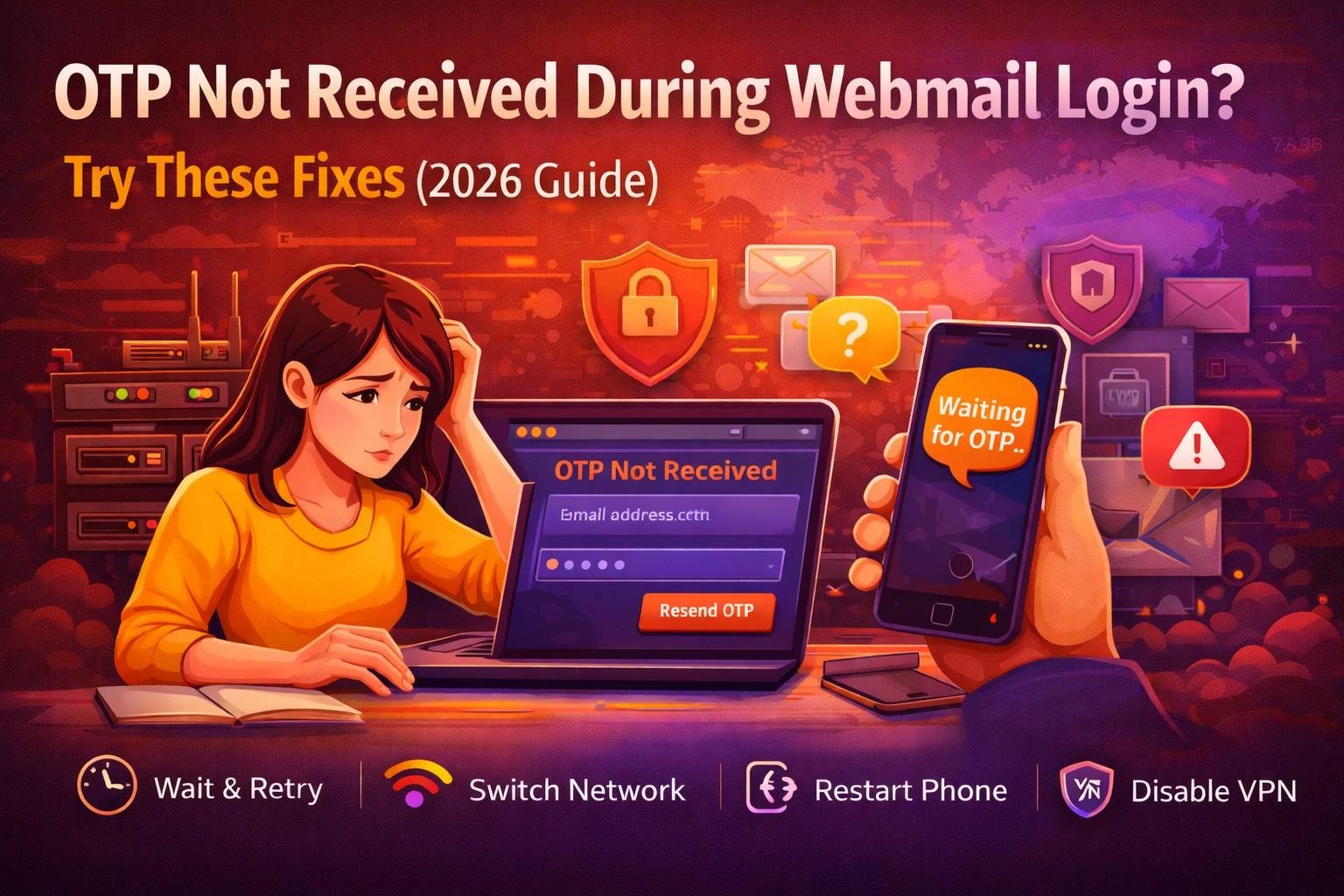
Introduction – Why OTP Problems Are Increasing
You’re trying to log into your webmail account. You enter your password correctly. The system asks for verification. You wait for the OTP (One-Time Password).
But it never arrives.
Frustrating, right?
In 2026, OTP verification has become a standard part of email login security. Multi-factor authentication (MFA) protects users from hacking, phishing, and brute-force attacks. However, OTP delays and failures are increasingly common due to network congestion, carrier restrictions, and stricter fraud detection systems.
According to cybersecurity reports, over 80% of account breaches involve compromised credentials. That’s why email providers enforce two-factor authentication so strictly.
If you’re facing an OTP not received issue during webmail login, this guide will walk you through safe, effective troubleshooting steps.
What Is OTP & Why It Matters
An OTP (One-Time Password) is a temporary code sent to verify your identity during login.
It acts as a second layer of protection beyond your password.
Modern email providers like:
- Gmail
- Outlook
- Yahoo Mail
use multiple OTP delivery methods.
Types of OTP Verification
1. SMS OTP
A code sent to your registered phone number.
2. Email OTP
Sent to backup recovery email.
3. Authenticator App Code
Generated by apps like Google Authenticator.
4. Push Notification Approval
A confirmation request on your device.
Each method has potential failure points.
Common Reasons OTP Is Not Received
Understanding the root cause is crucial.
1. Network Connectivity Problems
If your mobile signal is weak:
- OTP SMS may be delayed
- SMS may fail entirely
- Push notifications may not load
Always check your signal strength.
2. Carrier Delays & Traffic Congestion
Telecom providers sometimes delay shortcode messages, especially during:
- High traffic hours
- Network maintenance
- Regional outages
This is common in peak evening hours.
3. Incorrect Phone Number
If your recovery number is outdated:
- OTP will be sent to old number
- Login verification will fail
Always confirm your registered phone number.
4. SMS Blocked or Marked as Spam
Some phones automatically block:
- Promotional messages
- Shortcode numbers
- Unknown senders
Check:
- Blocked numbers list
- Spam SMS folder
5. International Roaming Issues
If you’re traveling abroad:
- Roaming restrictions may block OTP
- International SMS charges may prevent delivery
Switch to WiFi and try alternate verification methods.
Immediate Fixes You Should Try (Quick Solutions)
Before assuming something serious, try these fast solutions.
✅ Wait 2–5 Minutes Before Retrying
Repeated clicking may trigger security throttling.
Most systems delay OTP if multiple requests are detected.
✅ Switch Network (WiFi ↔ Mobile Data)
Sometimes WiFi firewall blocks OTP services.
Try:
- Switching to mobile data
- Switching to another WiFi network
✅ Restart Your Phone
A simple restart:
- Refreshes network connection
- Clears temporary glitches
- Re-establishes SMS routing
✅ Disable VPN
VPNs can trigger suspicious login flags.
Disable VPN and retry login.
✅ Check SMS Storage
If inbox storage is full:
- New messages cannot be received
Delete old messages and try again.
✅ Clear Browser Cache
If using web-based login:
- Clear cache
- Try incognito mode
- Use another browser
Disclaimer
MailFixGuide is an independent informational and educational website created to provide general guidance about webmail login issues, OTP (One-Time Password) problems, password recovery, and email security best practices.
We are not affiliated with, endorsed by, authorized by, or officially connected to any email service provider, including but not limited to:
- Gmail
- Outlook
- Yahoo Mail
All trademarks, logos, and brand names mentioned are the property of their respective owners.
MailFixGuide does not provide:
- Direct account recovery services
- OTP generation services
- Account unlocking assistance
- Remote technical support
- Paid recovery solutions
- Customer care phone support
We will never request passwords, OTP codes, banking information, verification codes, or confidential login credentials from users.
The information provided in this article is for general educational purposes only. While we strive to ensure accuracy, email platforms frequently update their security systems, authentication processes, and recovery methods. Therefore, we do not guarantee that all steps will apply in every situation.
Users are solely responsible for verifying instructions directly through the official website of their respective email service provider. Any actions taken based on the information provided on this website are done at your own discretion and risk.
If you suspect unauthorized access, fraud, SIM swap activity, or permanent account suspension, you should immediately contact your official email service provider or telecom carrier through verified and legitimate channels.
By using this website, you acknowledge and agree to this disclaimer.